I use Cygwin quite often, since I do quite a lot development on Windows, but I like having multiple tabs opened when having to use any type of CLI. When on my Mac, I like having multiple tabs opened in my terminal window, and same goes for your different flavors of Linux when I need to use them. Cygwin doesn’t give you this option but Console2 does. Well, let’s put them both together to get an awesome, working solution!
Difficulty – Beginners
Shouldn’t be too hard.
Prerequisites
Instructions
- If you don’t have Console2 or Cygwin installed, download the programs first
- Open up Console2
- Click on “Edit”, then “Settings”
- Click on “Tabs”
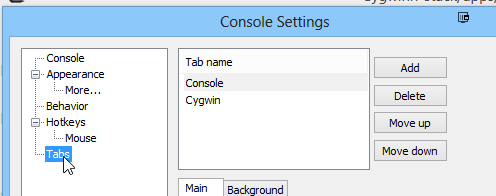
- Next, click on “Add”
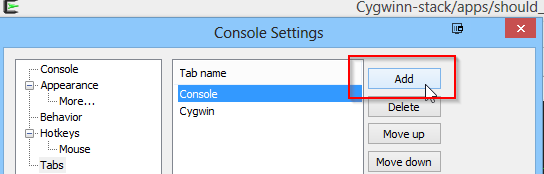
- Change the “Title” to whatever you want to call the tab name.
- In the “Shell” field, put in the path for the Cygwin.bat file. Default installation will have it at: C:\cygwin64\Cygwin.bat
- Optional: You can add the icon for Cygwin in the “Icon” field if you’d like. It should be located inside the directory, C:\cygwin64
- Once you enter everything in, it should look similar:

- Click “OK” and you should be able to run Cygwin inside of Console2 now.